
















































































































General News
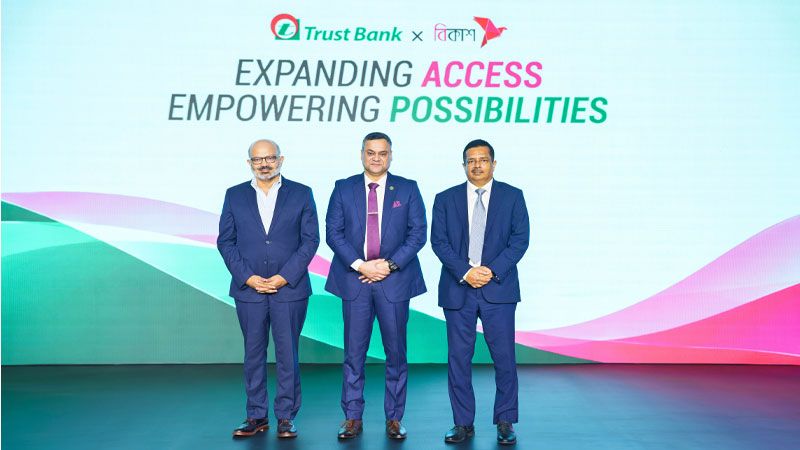
Trust Bank services, including savings and loan, available on bKash app
01 Nov 2026

Access your accounts securely anytime, anywhere. Check balances and statements, transfer funds, pay utility bills, and manage your banking needs with Trust Bank iBanking.
Login
View your account balance, account details, and financial summary securely anytime.

Access and download your account statements for any selected period with ease.

Transfer funds instantly and conveniently between your Trust Bank accounts.

Send money securely to accounts at other banks through BEFTN, NPSB, and RTGS.

Transfer funds from supported Mobile Financial Services directly to your bank account.

Check the status and details of funds that are pending clearance in your account.
Trust Bank iBanking is a secure online banking service that allows you to access and manage your bank accounts through the internet, anytime and from anywhere.
You can check account balances and statements, transfer funds, make payments, view uncleared funds, and manage various banking activities online.
You can register for iBanking through the Trust Bank registration process. Follow the “How to Register” instructions or contact Trust Bank for assistance.
Yes. iBanking uses security measures such as login credentials and OTP-based two-factor authentication to help protect your account and transactions.
Yes. You can securely view your available balance, account information, and transaction summary after logging in.
Yes. You can view and obtain account statements for a selected period through iBanking.
Yes. iBanking allows you to transfer funds conveniently to other Trust Bank accounts.
Yes. You can transfer funds to accounts at other banks using supported payment channels, including BEFTN, NPSB, and RTGS.
Yes. Supported Mobile Financial Services (MFS) can be used to transfer funds to your Trust Bank account, subject to applicable services and requirements.
Yes. iBanking supports utility bill payments for available services such as gas, water, electricity, and internet.
The uncleared fund status allows you to view funds that have been received but are still pending clearance before becoming available for use.
Use the Forgot Password option on the iBanking login page and follow the password recovery process. You may also contact Trust Bank support if further assistance is required.
Please contact Trust Bank's designated customer support or visit your nearest branch for assistance with unlocking or recovering your Login ID.
For applicable transactions and security-sensitive activities, iBanking may require an OTP as part of two-factor authentication.
Immediately contact Trust Bank through the official customer support channels and take the necessary steps to secure your iBanking account.
Yes. iBanking can be accessed through a compatible web browser on smartphones, tablets, laptops, and desktop computers with an internet connection.
If you experience login, transaction, or other technical difficulties, contact Trust Bank's iBanking support team for assistance.